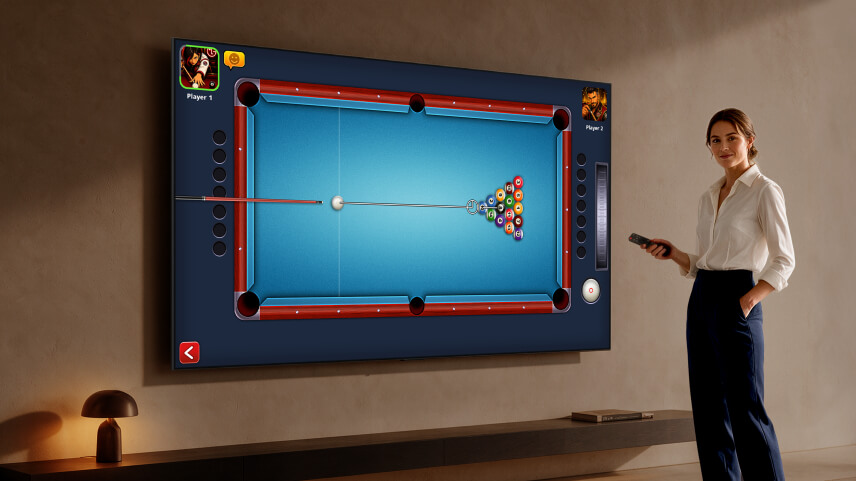
Big news for casual gamers and TV enthusiasts alike: LG Electronics has officially partnered with mobile gaming powerhouse Miniclip to bring the world’s most downloaded mobile pool game, 8 Ball Pool, to TV screens for the very first time.
If you’ve ever wanted to turn your living room into a virtual pool hall—complete with a cue stick in hand—this launch is tailored just for you.
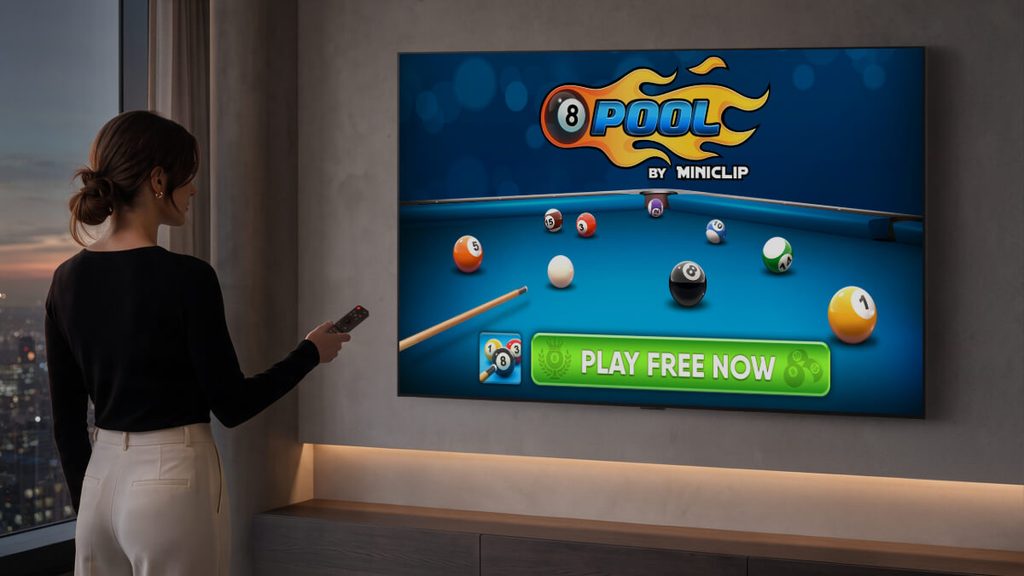
What’s New on the Big Screen?
Bringing a mobile hit to smart TVs requires more than just scaling up the resolution. LG and Miniclip have re-imagined the gameplay experience specifically for webOS devices running webOS 6.0 and above:
- Precision Control with the LG Magic Remote: Aim, tweak your power, and take shots with intuitive control using LG’s pointer-style Magic Remote.
- Exclusive “Couch Play” Mode: Designed specifically for living room entertainment, this brand-new mode introduces 1-on-1 local multiplayer. Now, friends and family can compete head-to-head on the same screen from the comfort of the sofa.
- Life-Size Gameplay: On LG’s ultra-large displays (100 inches and above, including their flagship QNED evo and Micro RGB models), pool cues and balls render at real-world scale for an extraordinarily immersive experience.
- LG Exclusive In-Game Gear: Players on LG TVs can unlock unique in-game items, earn badges through the LG Gaming Portal, and join special tournaments.
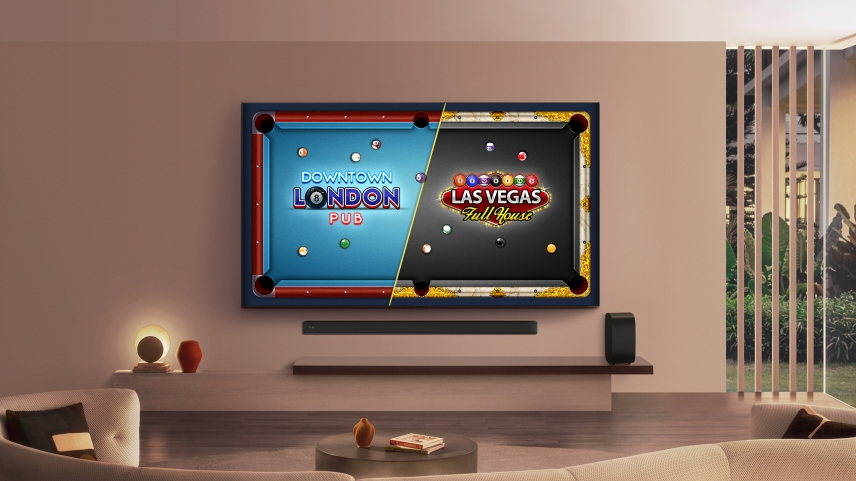
Casual Gaming on TVs is Booming
This partnership isn’t an isolated update—it’s part of a massive shift in how people use their smart TVs.
LG’s web-based gaming library has expanded significantly, now offering over 1,000 free-to-play titles. According to LG’s internal data, this push into casual gaming has yielded impressive growth over the past year:
- +67% increase in overall TV gaming usage
- +71% increase in total hours played
- +50% rise in individual gaming sessions
By making high-quality, free-to-play titles accessible without requiring a costly gaming console or setup, LG is solidifying the TV as the ultimate interactive hub for home entertainment.
How to Start Playing
8 Ball Pool is rolling out across 165 countries starting this week.
To get started, simply turn on your LG Smart TV or Smart Monitor running webOS 6.0+, navigate to LG Apps or open the LG Gaming Portal, download the game for free, and grab your Magic Remote to break!